Kitchen Layout Planner Tools: Free Kitchen Design Apps and How to Use Them
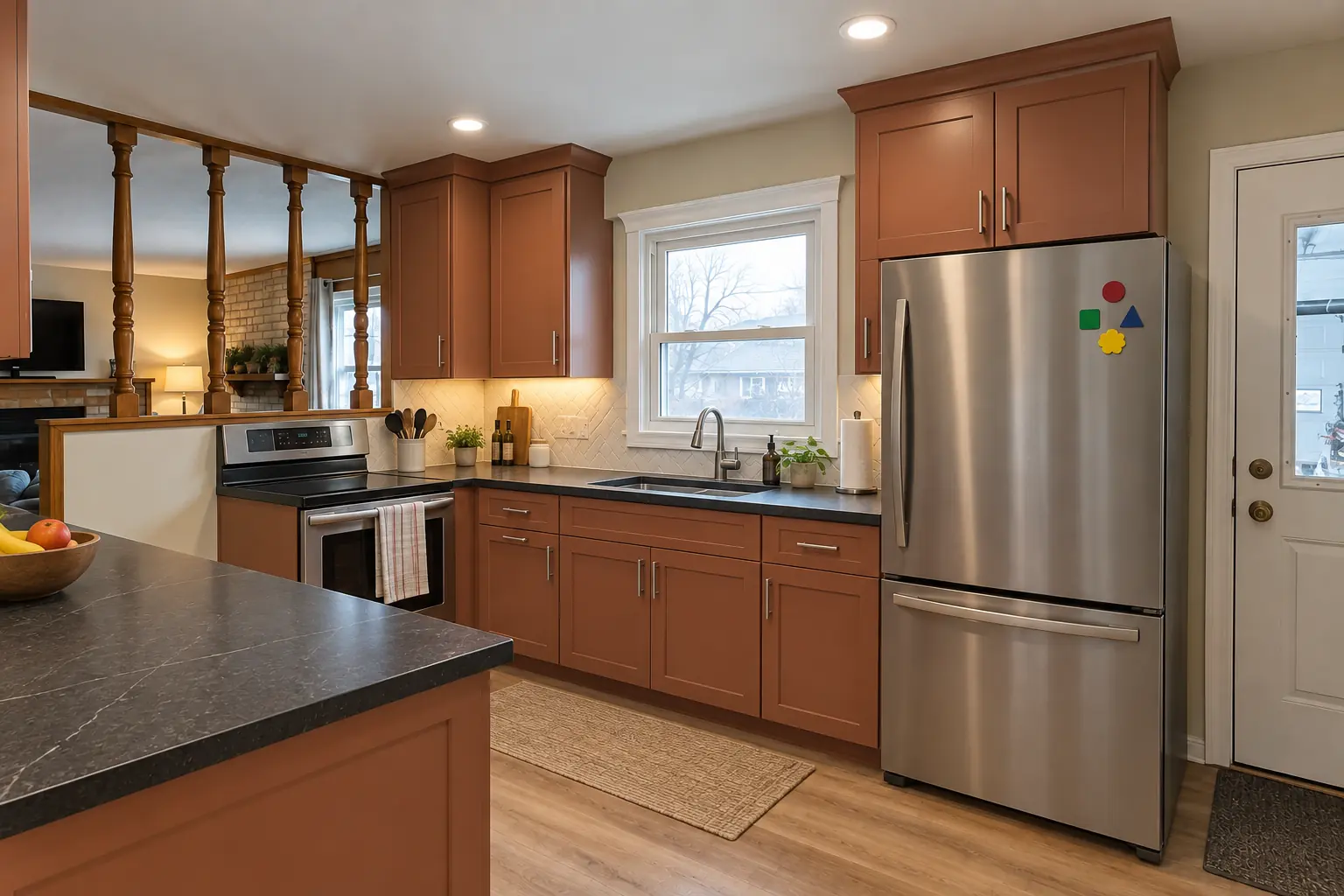
You can design a kitchen layout free online with a retailer's kitchen planner, a general 3D floor plan app or a free modeling program. None of them is the best kitchen remodel app for everyone: retailer planners are quickest if you plan to buy that retailer's cabinets, general room planners are easiest for testing layout ideas, and modeling software gives the most control but takes longer to learn. Whatever free kitchen design tool you use, the result is only as good as the measurements you put in.
Below we describe the main categories of kitchen layout planner, name some well-known examples, explain how to get a useful plan out of them step by step, and point to the dimension references worth keeping beside the screen. We have no affiliation with any of these tools, and features and free tiers change, so check the current version before you start.
Kitchen design tools compared
Kitchen planning tools fall into three groups, plus a fourth kind of kitchen remodel app that is about ideas and tracking rather than drawing. Choose by the decision you are making, not by the best-looking 3D render.
| Tool type | Examples | Best for | Limits |
|---|---|---|---|
| Retailer planner | IKEA, Home Depot, Lowe's tools | Turning a plan into an order | One catalog only |
| Room planner app | RoomSketcher, Planner 5D | Comparing layouts fast | Generic sizes, free-tier limits |
| 3D modeling | SketchUp, Sweet Home 3D | Precise or custom work | Learning curve |
| Idea and photo apps | Houzz, Pinterest | Collecting looks | No measurements |
Names are examples only; we have no affiliation with any of these companies.
Retailer kitchen planners
Large retailers offer browser-based planners tied to their own cabinet lines. The IKEA kitchen planner lets you draw the room, drop in IKEA cabinet boxes, fronts and appliances, see the result in 3D and produce a parts list. Home Depot and Lowe's offer online design tools and in-store or virtual design appointments built around the cabinet lines they sell.
The strength of a retailer planner is that every box it shows is a real product in a real size, so the plan converts easily into an order. The limit is the same: it plans with that catalog only, and it will not tell you whether the sink can move or the wall can come out.
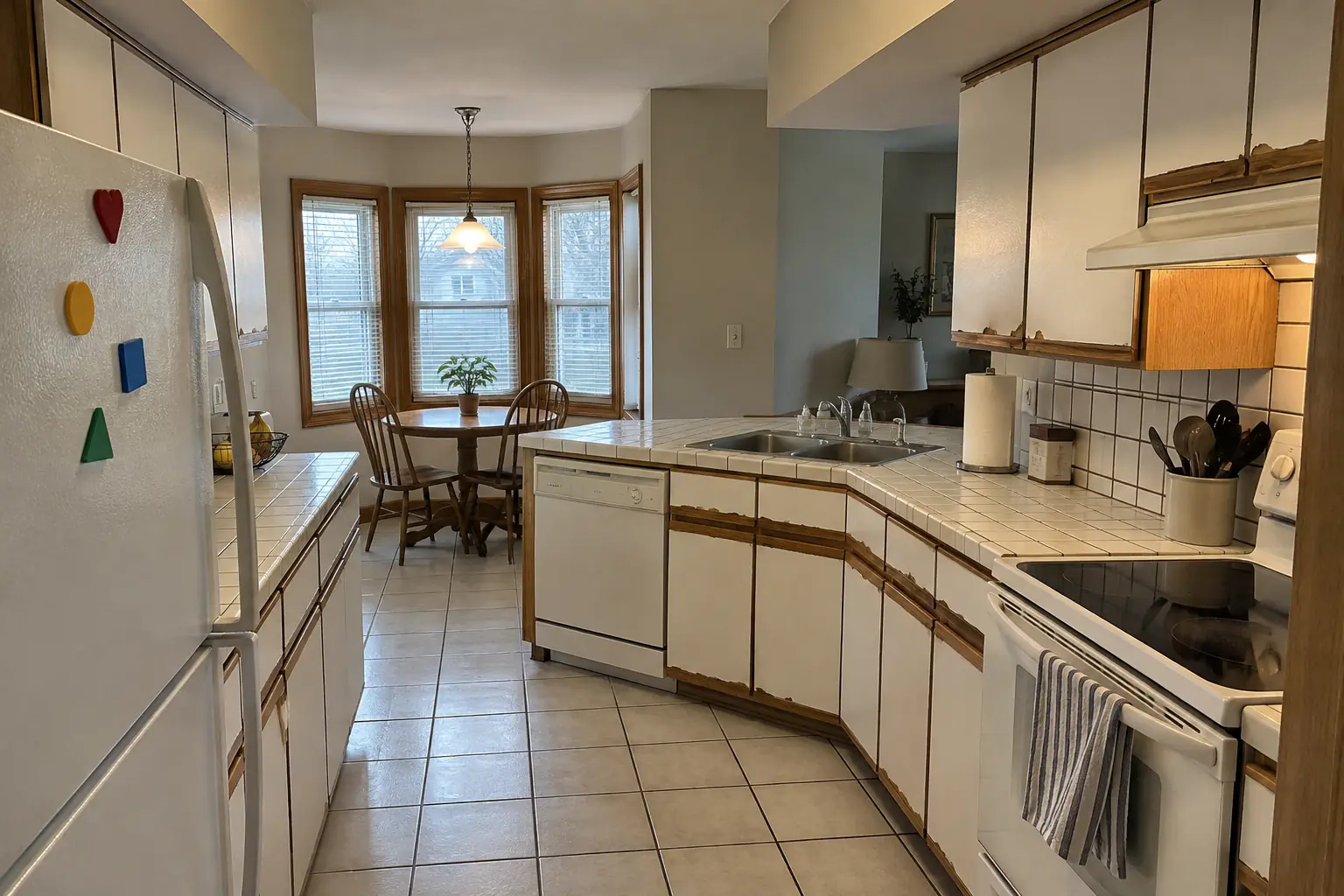 Before
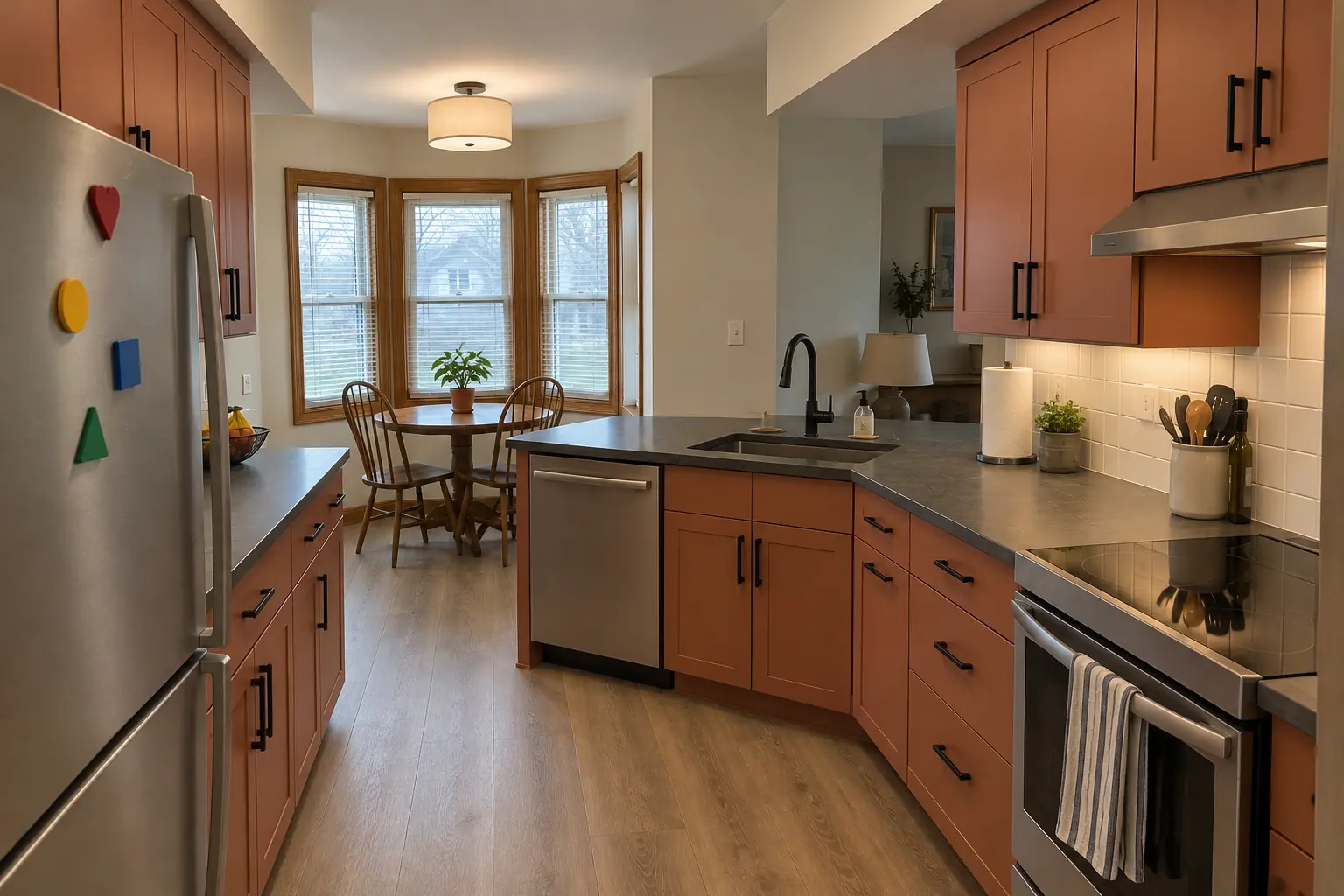 After
AfterKitchen design app free options: room and floor plan planners
Room planners such as RoomSketcher and Planner 5D work in a browser or as a kitchen design app on a tablet or phone. You draw walls, add doors and windows, place generic cabinets and appliances, and switch between a 2D floor plan and a 3D view. Most have a free tier with limits on features, exports or rendering quality, and paid plans for more.
These apps are good for comparing layouts quickly: an L against a U, an island against a peninsula, the refrigerator on one wall or another. They are less precise about cabinet sizes, fillers and corner details, so treat the result as a concept rather than an order.
3D modeling software for precise plans
SketchUp is a general 3D modeling program with a free web version and paid versions with more tools. Designers and woodworkers use it to model cabinets to the fraction of an inch, and many manufacturers publish models you can import. Sweet Home 3D is a free desktop program, and cabinet shops and designers use dedicated professional kitchen design software.
Modeling software gives the most control and the most accurate drawings, but it takes hours to learn. It is worth it if you enjoy the process or are building custom cabinets; for a first draft, a room planner or graph paper is faster.
Kitchen remodel apps for ideas and project tracking
A second kind of kitchen remodel app is not a planner at all. Photo and idea apps such as Houzz and Pinterest let you save pictures and organize them into boards. Note-taking and AR measuring apps on phones help you record dimensions and keep a punch list, though AR measurements are a rough guide rather than a substitute for a tape measure.
Small kitchen designs photo gallery free resources
Free small kitchen designs photo galleries, including modern small kitchen designs, are useful for collecting looks, and some sites offer a free download of their idea books. A photo cannot tell you whether that layout fits your room, though. Pair each saved picture with a note on its size and layout type so you compare like with like.
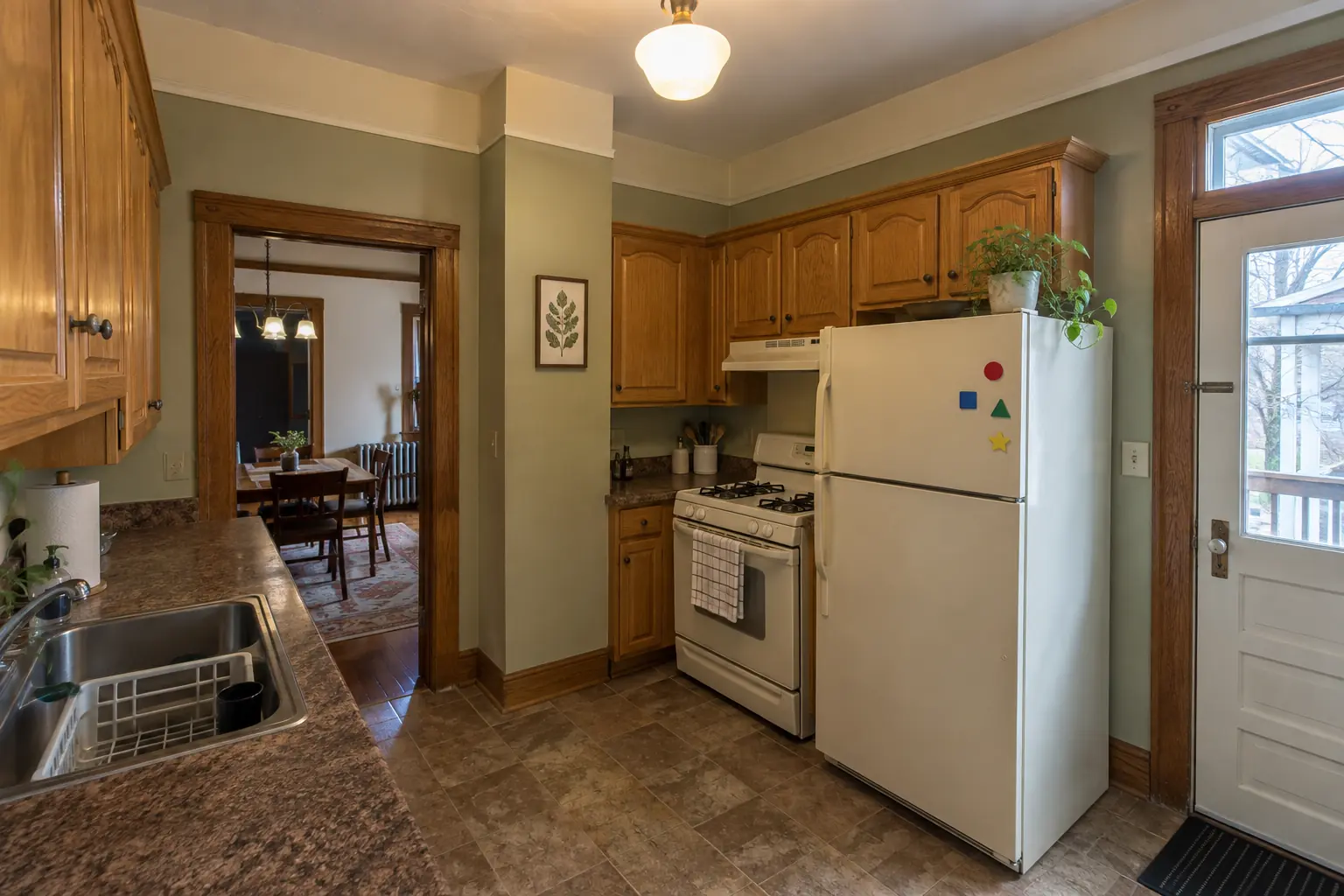 Before
 After
AfterHow to design a kitchen layout free online, step by step
Whichever tool you pick, the process is similar. Do the measuring before you open the app; most frustration with planners comes from guessing a wall length and discovering later that the refrigerator does not fit.
- Measure every wall twiceMeasure at counter height and again near the floor, since older walls are rarely square.
- Record heights and openingsNote ceiling height, window sill heights and the position and swing of every door.
- Mark the servicesLocate the sink drain, water supply, gas line, hood duct, radiators and outlets.
- Build the room and check itEnter the room in the tool and verify one known measurement in 3D before adding cabinets.
- Place the big three firstPosition the sink, range and refrigerator, then fill in cabinets and counters around them.
- Check clearancesConfirm aisles of about 42 inches, or 48 for two cooks, and landing space beside each appliance.
- Save versionsKeep two or three layouts so you can compare them side by side.
Kitchen design dimensions PDF and handbook resources
People often look for a kitchen design dimensions PDF or a kitchen design handbook PDF to keep beside the planner. The most widely cited reference in the US is the planning guidelines from the National Kitchen & Bath Association (NKBA), which cover aisle widths, landing areas, seating space and more. Cabinet manufacturers publish specification books with exact box sizes, and appliance makers publish installation guides with the cutout dimensions each model needs.
For quick reference, the numbers most layouts depend on are base cabinets about 24 inches deep, counters about 36 inches high, wall cabinets about 12 inches deep starting roughly 18 inches above the counter, and about 24 inches of counter width per seat at an island.
Which kitchen layout planner fits your project
Match the tool to the decision you are trying to make. Choosing between layouts needs speed; ordering cabinets needs precision; agreeing on a look with a partner needs good 3D views.
- Refreshing doors, counters or paint without moving anything: a photo board and a tape measure are usually enough.
- Comparing two or three layouts for the same room: a general room planner or graph paper.
- Buying flat-pack or stock cabinets from one retailer: that retailer's planner, so the parts list matches.
- Custom or semi-custom cabinets: the cabinet maker or designer will draw the final plan; your sketch becomes their brief.
- Moving walls, plumbing or gas: any tool for the concept, then a site visit before anything is final.
What a free planner cannot do
A planner will happily draw a sink on an island over a floor with no room for a drain, or a range hood with no path to the outside. It will not flag a load-bearing wall, a gas line that needs a permit, or the radiator pipes common in older Chicago homes. It also cannot check whether the floor is level or the walls are plumb, which affects how cabinets and counters fit.
Use the tool to decide what you want and to communicate it. Before ordering anything, have the room field-measured and the plumbing, electrical, venting and structure checked by someone who will build it. In our experience a homeowner's planner drawing is a very good starting point for that conversation.
Frequently asked questions
Is there a free kitchen design tool?
What is the best kitchen remodel app?
Is there a free kitchen design app for my phone or tablet?
Can I use the Home Depot or Lowe's kitchen planner if I buy elsewhere?
How accurate are online kitchen layout planners?
Where can I find a kitchen design handbook PDF?
Sources
Keep reading
-
 Planning and designKitchen Layout Ideas: How to Design a Kitchen Layout That WorksMost kitchen layout ideas come from six types: one-wall, galley, L-shaped, U-shaped, island and peninsula. To design a kitchen layout that works…4 min read
-
 CabinetsIKEA Kitchen Cabinets: Planning, Installation, Islands and Can You Paint IKEA Cabinets?IKEA kitchen cabinets in the US are the SEKTION system: modular frameless boxes with separate doors, drawers and panels, planned in IKEA's free…3 min read
-
 CabinetsHome Depot Cabinet Refacing and Quartz Countertop Installation: What to Know Before You ChooseHow much does Home Depot charge to reface cabinets or install quartz countertops? There is no fixed number; the price comes from a written quote…3 min read